
Practical guides · questions
Why Do LED Lights Flicker, Buzz or Refuse to Dim Properly?
LED flicker and buzzing can reflect a bulb–dimmer mismatch, but symptoms alone cannot rule out an electrical fault. Learn what to record, what compatibility means and when to stop troubleshooting.

What you’ll learn
- Dimmable LEDs and LED-rated dimmers still need compatible control methods and exact-product matching.
- Low-end trim can improve stability by raising minimum brightness; it cannot create a deeper dimming range.
- A single fixture’s behavior and widespread flickering call for different assessment questions, not assumptions.
- Record model numbers and symptom timing without opening equipment or performing energized tests.
- Smoke, flame, active arcing or a burning odor requires evacuation and 911; suspected shock requires emergency medical help.
An LED that flickers near the bottom of the dimmer may have a compatibility or minimum-level problem. That does not mean every flickering light needs a new dimmer—or that every buzz is harmless. The practical approach is to consider warning signs first, note where and when the behavior occurs, and identify the exact products before choosing a remedy. Here is how to prepare for that decision without opening electrical equipment or investigating a live fault.
Start with warning signs, not the dimmer
First separate an annoying lighting behavior from signs of an immediate hazard. If there is smoke, flame, active arcing or a burning odor, get everyone outside, stay out and call 911. Do not search for the source, operate controls to reproduce the problem or delay leaving to reach the electrical panel.
For suspected electric shock, call 911 or emergency medical help. Do not touch someone who may still be in contact with electricity. Follow the dispatcher’s instructions.
Without those emergency signs, unexplained flicker, discoloration or new buzzing still warrants an electrician’s attention. Do not touch a switch to test whether it is hot. Our guide to electrical emergency warning signs explains the distinction between a service concern and a situation requiring emergency responders.
Dimmable does not mean compatible with every dimmer
An LED uses electronic circuitry called a driver to supply the light-producing components. In a screw-base bulb, that circuitry is built into the bulb. An integrated fixture has a driver associated with the fixture. The driver helps determine whether the light can dim and which control method it requires.
That is why a bulb labeled dimmable and a switch labeled LED-compatible are starting points, not proof of a successful pairing. Check the exact product combination against the manufacturers’ compatibility information. Similar appearance, brightness or brand does not establish compatibility.
If you are considering a broader replacement, the LED Options Guide compares replaceable bulbs, retrofit kits and integrated fixtures. The choice affects which components can be changed when dimming performance disappoints.
Describe the pattern without assuming the cause
The timing and extent of the symptom help describe the problem, but they cannot diagnose it. One light flickering near minimum brightness presents a different assessment question from lights changing across several rooms. Neither pattern proves that the wiring is safe or faulty.
Record what you have already noticed rather than deliberately recreating a fault. The following distinctions can make a service conversation more useful.
LED symptoms: useful clues, not a diagnosis
| Observed behavior | What it may suggest | Applicability and limits |
|---|---|---|
| Flicker only near minimum brightness | The requested level may be below the LED’s stable dimming range. | Compatibility and model-specific trim deserve review; this does not rule out other faults. |
| Light switches off before the control reaches minimum | The LED may be dropping out below its usable range. | A higher minimum setting may help, but cannot create deeper dimming capability. |
| Buzzing or humming while dimmed | The bulb and control combination may affect noise. | Sound cannot establish safety; distinguish noise at the light from noise at the wall control. |
| Flicker at every setting or across multiple rooms | The assessment should extend beyond low-end dimming behavior. | Wiring, configuration and other electrical conditions need professional consideration. |
Understand what a minimum-level adjustment can change
Low-end trim sets the lowest level a dimmer will request. With a compatible LED, raising that minimum can prevent flicker or dropout below the light’s stable operating range. The tradeoff is a brighter minimum setting—not a repair that makes the bulb dim further.
Pop-on is another behavior: the light may remain dark until the control reaches a higher setting, then illuminate abruptly. Different models offer different adjustments; there is no universal button sequence.
If there are no warning signs, consult the exact product’s instructions for any user-accessible setting. Leave adjustments requiring cover removal, wiring access or electrical testing to an electrician. A trim change that improves low-level performance does not explain unrelated flickering elsewhere in the home.
Check control type and load—not just bulb wattage
Some drivers require forward-phase dimming; others specify reverse-phase or another control method. A different wall dimmer is not automatically a suitable substitute. The fixture’s driver specification matters, especially with integrated fixtures and low-voltage lighting.
Loading matters too. A dimmer’s incandescent wattage rating is not its LED rating, and some combinations have minimum-load requirements. Low energy use does not by itself establish compatibility. Ask for the applicable LED rating and supported lamp quantity; do not add improvised components to satisfy a suspected minimum load.
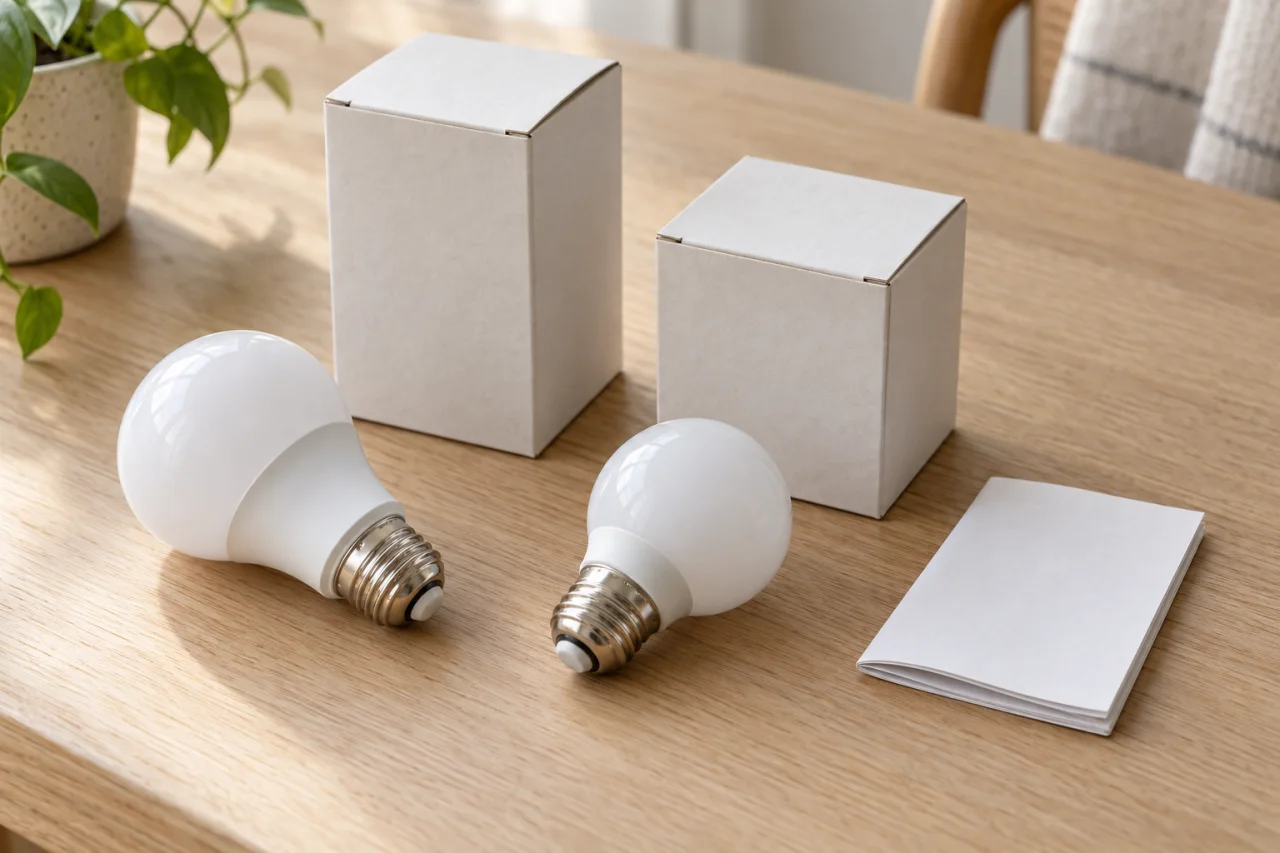
When several bulbs share one control, mixed models can dim differently. Matching models and wattages can reduce that variable, but matching bulbs still need a compatible control. Keep the packaging for future replacements rather than relying on appearance alone.
Gather useful information without opening equipment
A short symptom record is more useful than buying several replacement products on a guess. Gather only information available without dismantling equipment, climbing to difficult fixtures or touching suspect components.
Do not remove switches, open fixture wiring compartments, tighten electrical connections or take live voltage readings. If the model is hidden inside equipment, leave identification to the electrician. Do not repeatedly operate a noisy or malfunctioning control to obtain a better recording.
For a concern centered on the wall control, Outlets & Switches is a relevant service starting point. Describe both the light’s behavior and anything unusual at the control.
- Note whether one bulb, one fixture, one controlled group or several rooms are affected.
- Record whether symptoms occur at startup, near minimum brightness, at full brightness or after normal use.
- Write down when the issue began and any recent bulb, fixture or control replacement.
- Save bulb packaging, receipts and fixture instructions showing exact model numbers.
- Record a dimmer model from existing paperwork; do not remove a wall plate to find it.
- Describe any sound from a safe distance and note whether it seems to come from the light or wall control.

Compare the repair options before replacing everything
Choose a remedy after the existing products and installation have been assessed. A compatible replacement bulb may suit a fixture with replaceable lamps. Replacing the dimmer may make sense when the light is appropriate but the control is not. An integrated fixture requires a different decision: ask whether a manufacturer-approved driver replacement is available or whether fixture replacement is more appropriate.
Before approving work, ask which finding supports the recommendation, what dimming range to expect and whether all lights on the control should be changed together. Separate necessary electrical repairs from optional lighting upgrades.
The Electric Knight provides LED Lighting for homes and businesses in West End and Moore County. Discuss what you have observed, arrange an appropriate assessment and review the proposed work before proceeding.
Keep replacement choices consistent—and notice changes
After a compatibility issue has been addressed, retain the bulb, fixture and control information together. When replacing a bulb later, check the exact replacement model rather than assuming any dimmable LED will behave the same way. Revisit the manufacturer’s compatibility guidance when changing products.
Treat a new pattern as new information. Flicker appearing at all brightness levels, spreading beyond one controlled group or arriving with discoloration or unusual noise deserves assessment rather than another trim adjustment. A light that becomes steady is not, by itself, evidence that an electrical concern has been resolved.
The useful dividing line is simple: homeowners can observe and preserve product information; energized testing and wiring changes belong with a qualified electrician.
Questions & answers
Does flickering automatically mean the wiring is bad?
No. A dimmer and LED can be incompatible, particularly near the lowest setting. Wiring problems can also cause flicker, so the symptom alone cannot establish the cause or confirm safety. Unexplained or widespread flickering needs professional assessment.
Why do my LEDs turn off before the dimmer reaches the bottom?
This is often called dropout: the control is asking for less light than the LED can reliably produce. A model-specific minimum-level adjustment may help a compatible combination, but it does not make every LED capable of deep dimming.
Can I use a nondimmable LED if I leave the dimmer at full brightness?
Do not treat that as an approved workaround. LEDs used with a dimmer should be labeled dimmable and compatible with that control. Ask about a suitable bulb or control rather than relying on the slider position.
Is a buzzing LED always dangerous?
Some LED products hum when dimmed, but sound alone cannot distinguish compatibility noise from an electrical fault. New or persistent noise deserves assessment, especially at the wall control. Smoke, flame, active arcing or a burning odor calls for evacuation and 911, not further troubleshooting.
Should I replace the fixture or the dimmer first?
Neither should be an automatic first purchase. Identify the existing products and check their compatibility information. A bulb change may suit a replaceable-bulb fixture; an integrated fixture requires attention to its driver and specified control method.
Sources & further reading
- Lutron: Controlling LEDs
Explains drivers in LED bulbs and fixtures, control-method compatibility, driver replacement constraints, and minimum and maximum loading considerations, including the distinction between LED and incandescent dimmer ratings. ([lutron.com](https://www.lutron.com/TechnicalDocumentLibrary/367-2035_LED_white_paper.pdf))
- Lutron: Maestro LED+ Lights Flickering, Buzzing or Dropping Out
Supports low-end flicker and dropout explanations, minimum-level adjustment tradeoffs, and the possibility of LED humming or buzzing associated with particular bulb and control combinations. ([support.lutron.com](https://support.lutron.com/us/en/product/maestro/article/troubleshooting/Flickering-Flashing-LED-Lights-with-Maestro-Dimmers))
- Leviton: My Bulb Does Not Dim All of the Way or Flickers When I Dim Too Low
Identifies compatibility, wiring, load type and configuration as possible flicker causes; distinguishes continuous flicker from level-specific behavior and explains product-specific minimum-level settings. ([leviton.com](https://leviton.com/support/resources/product-support/decora-smart-support/decora-smart-wi-fi/my-bulb-does-not-dim-all-of-the-way-or-flickers-when-i-dim-too-l))
- Leviton: How to Avoid Flickering LED Lights
Supports using dimmable LEDs with LED-rated controls, consulting exact-product compatibility information, and recognizing flicker, buzzing, pop-on and dropout as potential LED dimming problems. ([leviton.com](https://leviton.com/support/literature/blogs/how-avoid-flickering-led-lights))
- Electrical Safety Foundation International: Electrical Safety Dos
Supports treating unexplained flickering or dimming, discoloration and buzzing as warning signs requiring qualified electrical inspection rather than assuming a bulb compatibility issue. ([esfi.org](https://www.esfi.org/electrical-safety-dos/))
- Watch Hill Fire Department: WHFD Reminds Residents of Electrical Safety
Supports calling 911 and evacuating for a burning odor or smoke, and not spending time searching for the source of a suspected electrical burning smell. ([watchhillfire.com](https://www.watchhillfire.com/apps/public/news/newsView.cfm?News_ID=349))
- CDC: What to Do to Protect Yourself From Electrical Hazards
Supports calling 911 or emergency medical help for suspected electric shock and not touching a person who may remain in contact with an electrical source. ([cdc.gov](https://www.cdc.gov/natural-disasters/response/what-to-do-protect-yourself-from-electrical-hazards.html))
- Leviton: Dimmer and Bulb Compatibility Test Results, July 2016
Supports the explanation that mixed bulb models and wattages can produce different dimming behavior. The historical test document is used for this principle, not as a current product-selection list. ([leviton.com](https://leviton.com/content/dam/leviton/residential/product_documents/none/Dimmer_Bulb%20Compatibility%20Test%20Results%20July%202016.pdf))
Prepared and automatically checked on . Conditions, costs and requirements can change. Ask about the details that apply to your situation.
Continue reading
Helpful next reads
What Affects the Cost of Wiring Repairs?
The visible problem is only the starting point. Learn how diagnosis, circuit extent, access, damaged components and restoration responsibilities shape a wiring repair estimate.

GFCI, AFCI, Tamper-Resistant and Weather-Resistant: What Is the Difference?
These four labels address different hazards. Learn how shock protection, arc-fault protection, internal shutters and outdoor ratings work together—and what to ask before replacing an outlet.

Older-Home Electrical Problems: Targeted Repair or a Broader Upgrade?
An older home does not automatically need rewiring. Learn how condition, grounding, wiring type and household loads help distinguish a targeted repair from a broader upgrade.