Practical guides · maintenance
Is Your Surge Protector Still Working? Indicators and Replacement Questions
A glowing power switch is not proof of surge protection. Learn how to read model-specific indicators, recognize replacement questions and keep observations safe.
What you’ll learn
- Working electronics confirm power delivery, not necessarily active surge protection.
- Interpret each indicator using its label and the exact model's instructions; colors and alarms are not universal.
- Keep panel-mounted equipment closed and leave electrical assessment or replacement to qualified personnel.
- Use manufacturer guidance, condition and event history rather than a universal replacement age.
- Smoke, flame, active arcing, burning odor or suspected electric shock require emergency action, not routine troubleshooting.
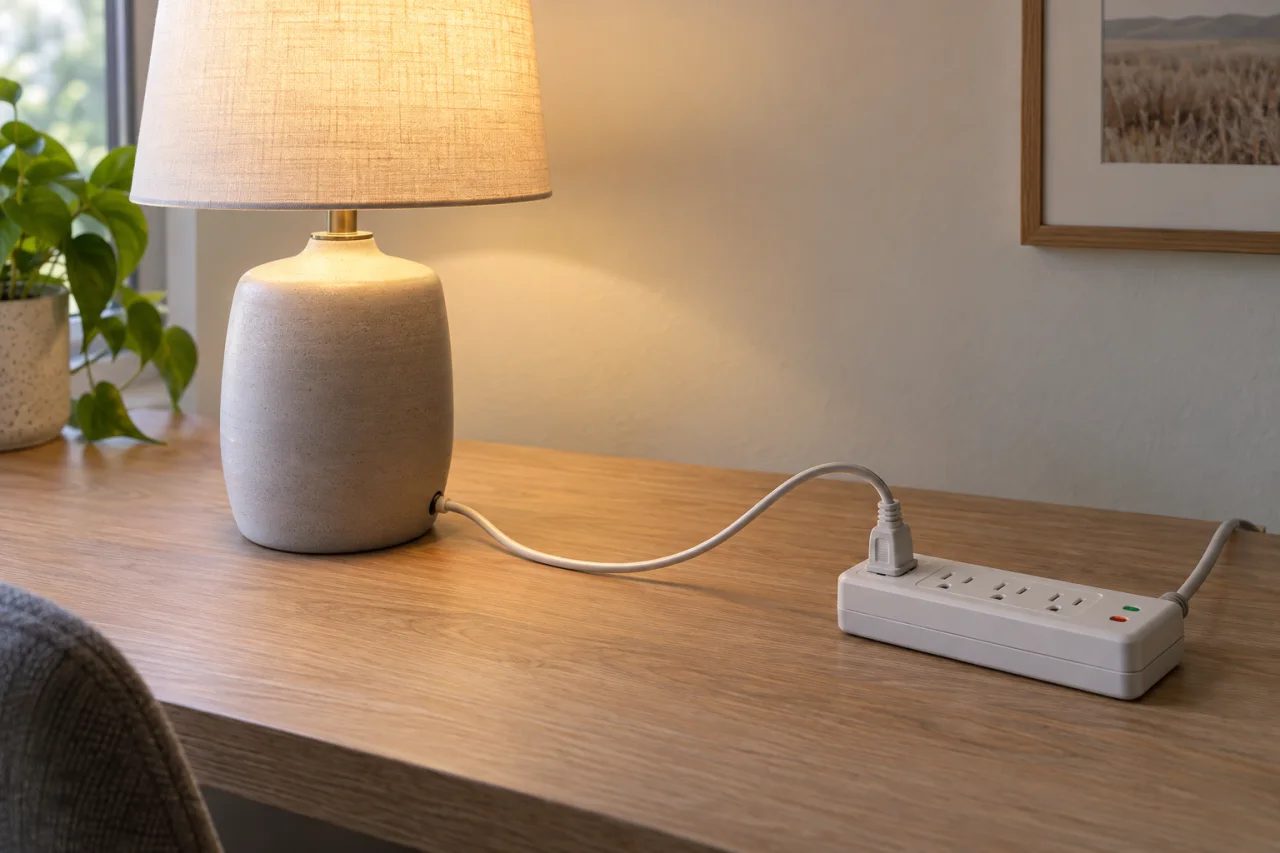
No—power reaching your devices does not necessarily mean your surge protector is still providing protection. Some models continue supplying electricity after their protective function is lost. The useful question is what the protection indicator means on your exact device, not simply whether your computer or television turns on. For homeowners and business owners in West End and Moore County, this guide separates ordinary status checks from replacement decisions and electrical hazards.
Power reaching your devices is only part of the answer
A surge protector has two jobs that are easy to confuse: supplying electricity to connected equipment and limiting brief voltage surges. Depending on its design and failure condition, it may continue doing the first after losing the second.
Start by confirming that the product actually provides surge protection. A basic power strip adds outlets but is not necessarily a surge protective device. A lighted switch on its own does not establish otherwise.
If you are reviewing your overall setup, read whole-house surge protection, plug-in protectors and UPS units compared. These options serve different purposes; whether a device supplies power, limits surges, or provides battery backup requires separate attention.
Read the label, not just the light color
Read the words beside each indicator before interpreting its color. Protection, power, grounding and fault lights can report different conditions. The operating conditions matter too: some diagnostic lights are meaningful only when the protector has incoming power and its switch is on.
The table is a reading guide, not a substitute for the manual. Labels and behavior vary by model, and a normal light is not a measurement of remaining service life. Avoid borrowing an explanation from a similar-looking product.
Common indicator functions and the limits of what they tell you
| Indicator label | What it may report | Important limitation |
|---|---|---|
| Power or illuminated switch | Incoming power or switch status, depending on the design | Does not by itself confirm active surge protection |
| Protected or Protection Present | Status of surge-suppression components under the specified operating conditions | An abnormal state requires the exact model's troubleshooting or replacement guidance |
| Grounded or Not Grounded | A grounding condition monitored by that product | A warning calls for electrical assessment, not a grounding adapter |
| Fault | A monitored wiring problem or another fault defined in the manual | May not identify every wiring defect or establish the cause without assessment |
Replacement instructions and alarms are model-specific
Manufacturer directions differ even when the symptom looks identical. Belkin's indicator guidance says to replace the protector when its Protected light goes out under the stated operating conditions. By contrast, the Eaton Tripp Lite manual for IBAR4ULTRAUSBB and IBAR6ULTRAUSBB directs users with an unlit Protection Present indicator toward different next steps depending on whether the Fault light is also illuminated.
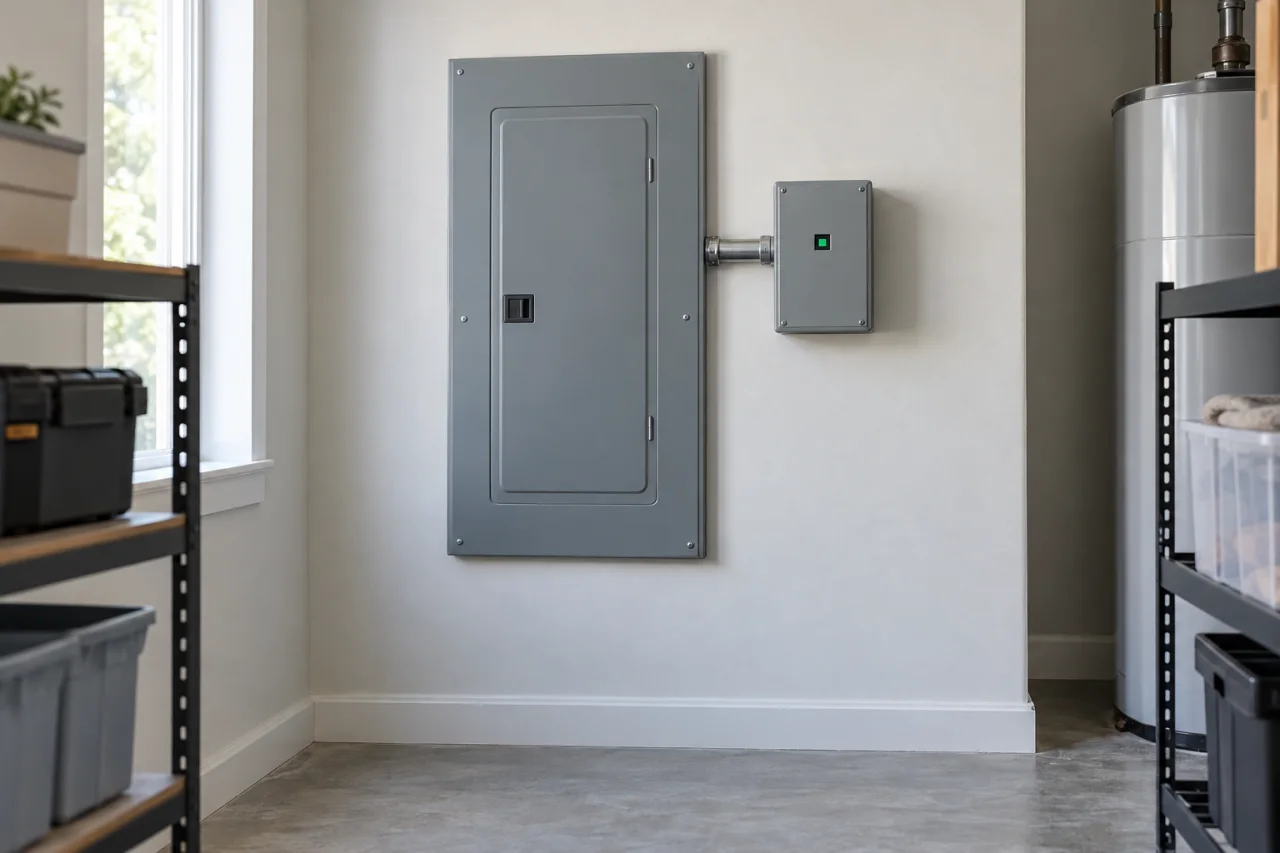
Some panel-mounted products include audible warnings; others do not. The Schneider Electric Surgelogic XDSE manual, for example, associates its loss-of-suppression alarm with replacement by qualified electrical personnel. That is a model-specific example, not a rule for every residential device.
Treat silencing an alarm and restoring protection as separate matters. Follow only the user-accessible controls described for your model. Do not remove a panel cover or disconnect wiring to stop a sound.
After an electrical event, observe without investigating live equipment
After an outage, nearby lightning or another electrical event, observations can help clarify what changed. They cannot establish the event's voltage, prove that every connected appliance escaped damage, or identify a hidden fault.
Do not touch electrical equipment that is wet or enter standing water to reach a panel. Equipment exposed to water needs qualified assessment before being returned to service. A dark indicator during an outage also cannot be interpreted in the same way as a protection light that remains dark while the device is otherwise powered.
- Wait until the area is safe, dry and free of active electrical hazards before making routine observations.
- From outside the enclosure, note which indicator changed and whether it is off, steady or flashing.
- Record whether connected equipment still has power and whether other electrical symptoms occurred.
- Photograph an accessible indicator or exterior label only if doing so requires no cover removal or unsafe approach.
- Use the exact model's manual or manufacturer support to determine the next step; do not open the device.
Recognize when this is no longer a maintenance question
A changed protection indicator without smoke, odor or other danger signs is different from an active electrical emergency. Smoke, flame, active arcing or a burning electrical odor are reasons to move away, get everyone to safety and call 911 from a safe location. Do not delay to photograph the device, unplug burning equipment or search for its manual.
For suspected electric shock, call 911 or emergency medical help. Do not touch someone who may still be in contact with the electrical source.
An ordinary repeated breaker trip, without those emergency signs, needs prompt electrical assessment rather than repeated resets. It does not by itself prove that the surge protector is responsible. Keep electrical emergency warning signs separate from routine product-status questions.
Use condition and manufacturer guidance—not a universal age
There is no replacement birthday that applies to every surge protector. Exposure, equipment design, installation conditions and sustained overvoltage can affect service life. Repeated surges can degrade protective components, while a larger event can damage them sooner.
Follow any inspection or replacement interval published for your exact product, together with its indicator and damage guidance. Do not assume a device is healthy merely because it is new—or failed merely because it is old.
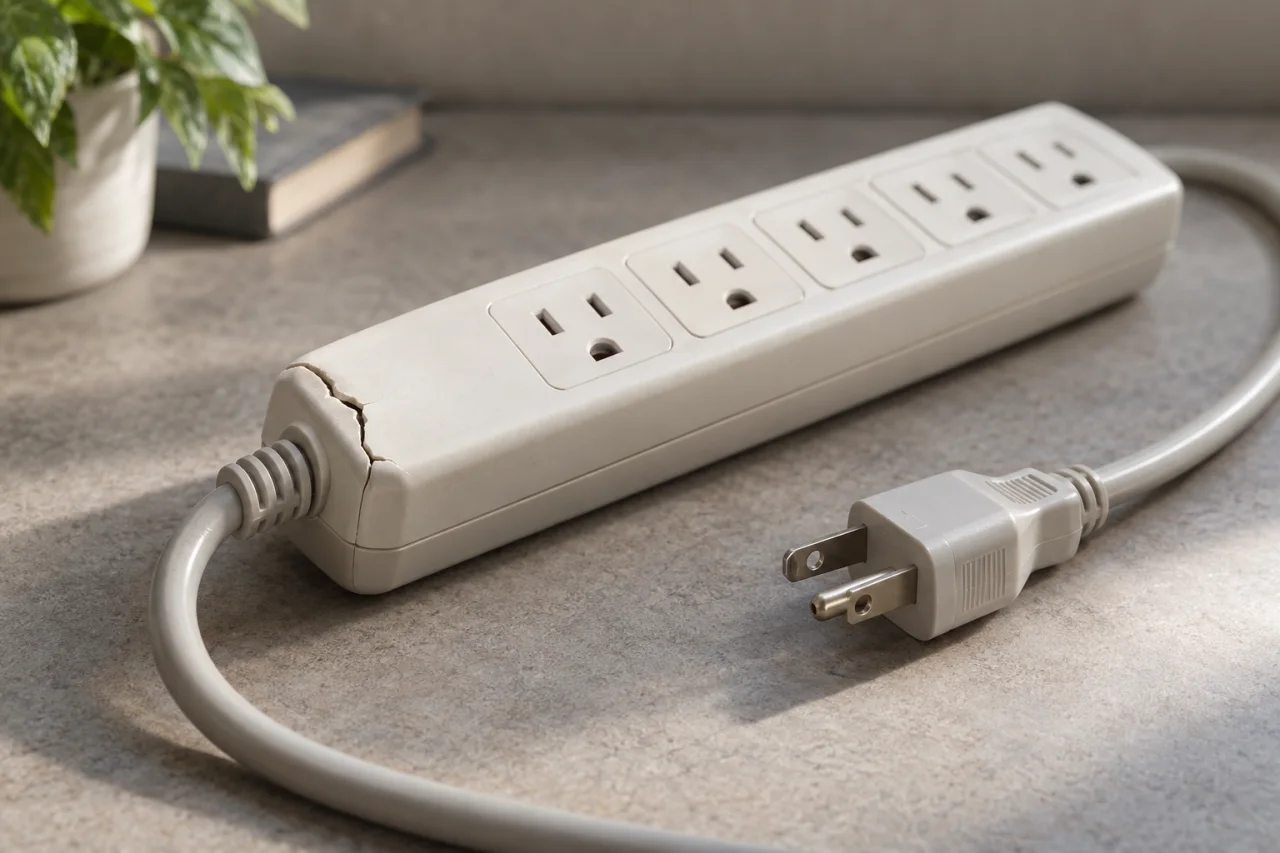
Visible exterior damage, a frayed cord or melted plastic is a separate reason to stop using a plug-in protector, even if an indicator still glows. Do not open it to inspect internal components. Resetting an overload control should never be treated as proof that surge protection has been restored.
Keep records that make the next decision easier
A small product record makes an unfamiliar warning easier to discuss. Keep these details in a household maintenance folder rather than relying on memory or a listing for a similar product. Photograph labels when equipment is safely accessible; do not remove installed covers to retrieve information.
For a business, identify the protector's location and the equipment associated with it. Record uncertainty honestly: an unknown installation date is more useful than an estimated age presented as fact. These records support troubleshooting and purchasing decisions, but they do not prove a warranty claim or establish the cause of equipment damage.
- Manufacturer, exact model number and accessible serial number.
- Purchase receipt and installation date, if known.
- The matching manual and any product-specific replacement instructions.
- A safe baseline photograph of the exterior indicators during normal operation.
- A dated note of later light changes, alarms, outages and other symptoms.
Choose the next step without assuming a whole-system failure
For a plug-in protector with a confirmed end-of-protection condition, choose a replacement suited to its intended equipment and follow its connection instructions. For a panel-mounted unit, leave assessment and replacement to qualified electrical personnel. A warning light alone does not establish that the entire electrical panel needs replacement.
Ask what the indicator means for this model, whether incoming power or a wiring condition could explain it, and whether the manufacturer calls for replacement of a complete unit or a serviceable module. For proposed work, clarify the equipment, labor and any separate electrical repairs included. The guide to what affects the cost of whole-house surge protection can help organize those questions.
The Electric Knight offers Surge Protection for homes and businesses in West End and Moore County. Share the model, observed light or alarm, and any accompanying symptoms when discussing an assessment. The goal is a decision matched to the device and condition—not an assumption based on one glowing switch.
Questions & answers
My television still works. Can the surge protector have lost protection?
Yes. Some protectors can continue passing electricity after surge protection is lost. Check the protection indicator and the instructions for your exact model rather than relying on the television or the power switch.
Does every red light mean the protector has failed?
No universal color rule applies. Read the indicator label and model instructions. A light may identify protection status, grounding, a wiring fault, or another condition; its color alone is not enough.
Should I replace every surge protector after a storm?
Do not use the storm alone as a universal replacement rule. Once conditions are safe, observe the indicators and exterior condition, then follow the manufacturer's event-related and replacement guidance. An outage does not establish how much surge exposure a device experienced.
Can I reset a protector to restore worn-out surge protection?
Do not assume so. A reset intended for an overload is not evidence that damaged surge-suppression components have recovered. Follow the model's separate instructions for overloads, protection warnings, and replacement.
Does a normal indicator prove all my wiring is safe?
No. It reports the conditions the device is designed to monitor. Even a wiring-fault indicator may not detect every possible fault. Persistent electrical symptoms need their own assessment.
Sources & further reading
- Belkin: Understanding the status light indicators on your Belkin Surge Protector
Distinguishes protection, grounding and voltage indicators; explains that a protector can continue supplying power without protection and gives replacement guidance when its Protected light goes out. ([belkin.com](https://www.belkin.com/support-article?articleNum=315142))
- Eaton Tripp Lite: Isobar surge protector owner's manual
Defines Protection Present, Fault and Line OK indicators for IBAR4ULTRAUSBB and IBAR6ULTRAUSBB; specifies operating conditions, different troubleshooting paths, overload-reset guidance, and the limits of wiring-fault detection. ([tripplite.eaton.com](https://tripplite.eaton.com/support/owners-manual/781334))
- Electrical Safety Foundation International: Surge and Protect
Explains point-of-use and service-entrance protection, distinguishes ordinary power strips from surge protection, and recommends indicators or audible replacement warnings. ([esfi.org](https://www.esfi.org/surge-and-protect/))
- Schneider Electric: Surgelogic XDSE instruction bulletin 9501
Provides the specific XDSE example of status LEDs, loss-of-suppression alarms and replacement by qualified electrical personnel; restricts installation and servicing to qualified personnel. ([iportal2.schneider-electric.com](https://iportal2.schneider-electric.com/Contents/docs/SQD-SSP05XDSE10A_INSTRUCTION%20SHEET.PDF))
- Schneider Electric: How long should a surge protector last?
Explains why service life varies with exposure, installation and operating conditions; describes degradation from repeated surges, sustained overvoltage damage and exterior warning signs. Supports avoiding a universal replacement age. ([blog.se.com](https://blog.se.com/energy-management-energy-efficiency/electrical-safety/2021/12/20/how-long-should-a-surge-protector-last/))
- CDC: What to Do to Protect Yourself From Electrical Hazards
Supports avoiding wet electrical equipment and standing water, qualified inspection before restoring water-exposed equipment, calling 911 or emergency medical help for suspected electric shock, and not touching a person still connected to electricity. ([cdc.gov](https://www.cdc.gov/natural-disasters/response/what-to-do-protect-yourself-from-electrical-hazards.html))
- Massachusetts Department of Fire Services: Electrical Fire Safety
Distinguishes immediate fire-department warning signs such as arcing, sparks and burning odors from repeated breaker trips requiring professional electrical attention. ([mass.gov](https://www.mass.gov/info-details/electrical-fire-safety?utm_source=openai))
- FirstEnergy: Electrical Fires
Supports leaving a building during an electrical fire, calling 911 from a safe location, staying out and avoiding contact with smoking or burning equipment. ([firstenergycorp.com](https://www.firstenergycorp.com/help/safety/downed-power-lines/fires.html?utm_source=openai))
Prepared and automatically checked on . Conditions, costs and requirements can change. Ask about the details that apply to your situation.
Continue reading
Helpful next reads
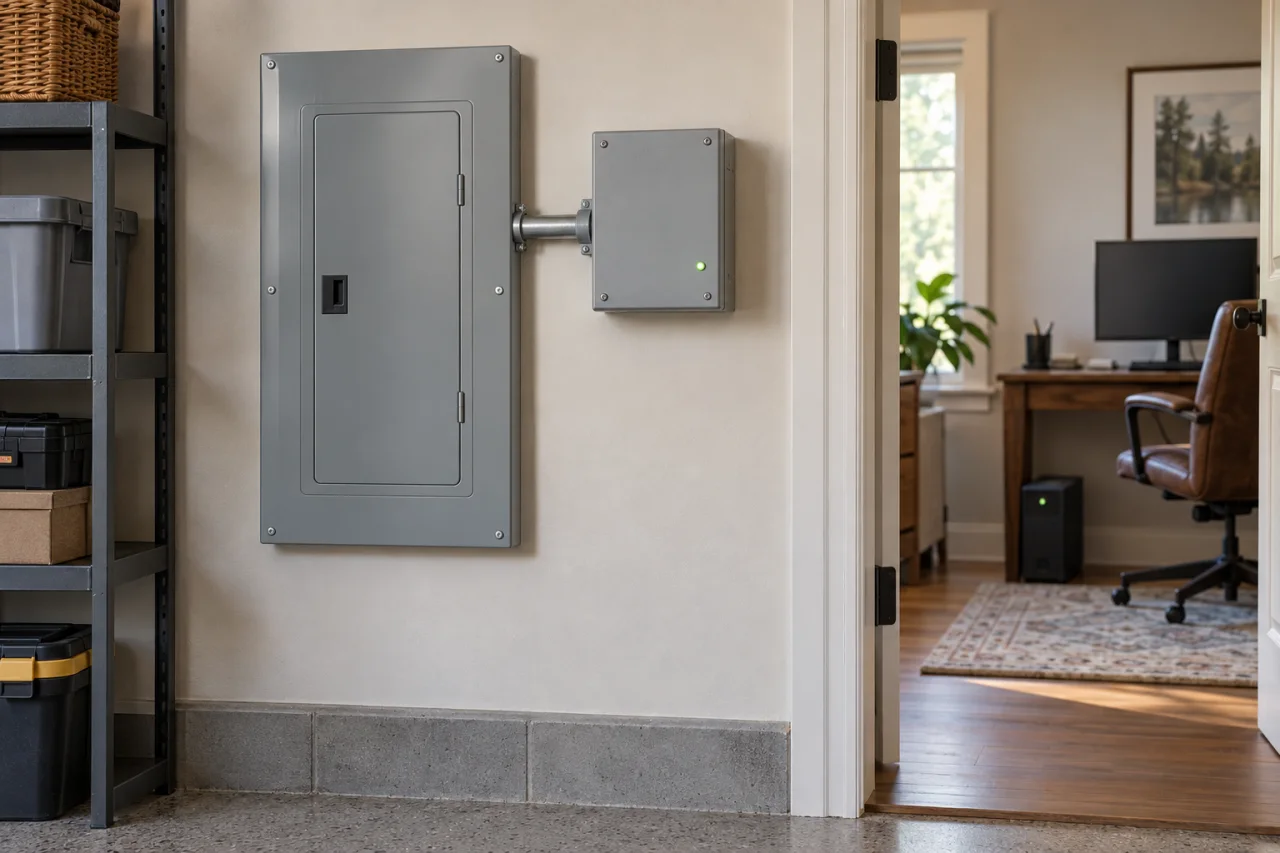
Whole-House Surge Protection, Plug-In Protectors and UPS Units Compared
Surge protection limits brief voltage spikes. A UPS supplies temporary battery power. Compare where each option acts, what it cannot do and when a combination makes sense.
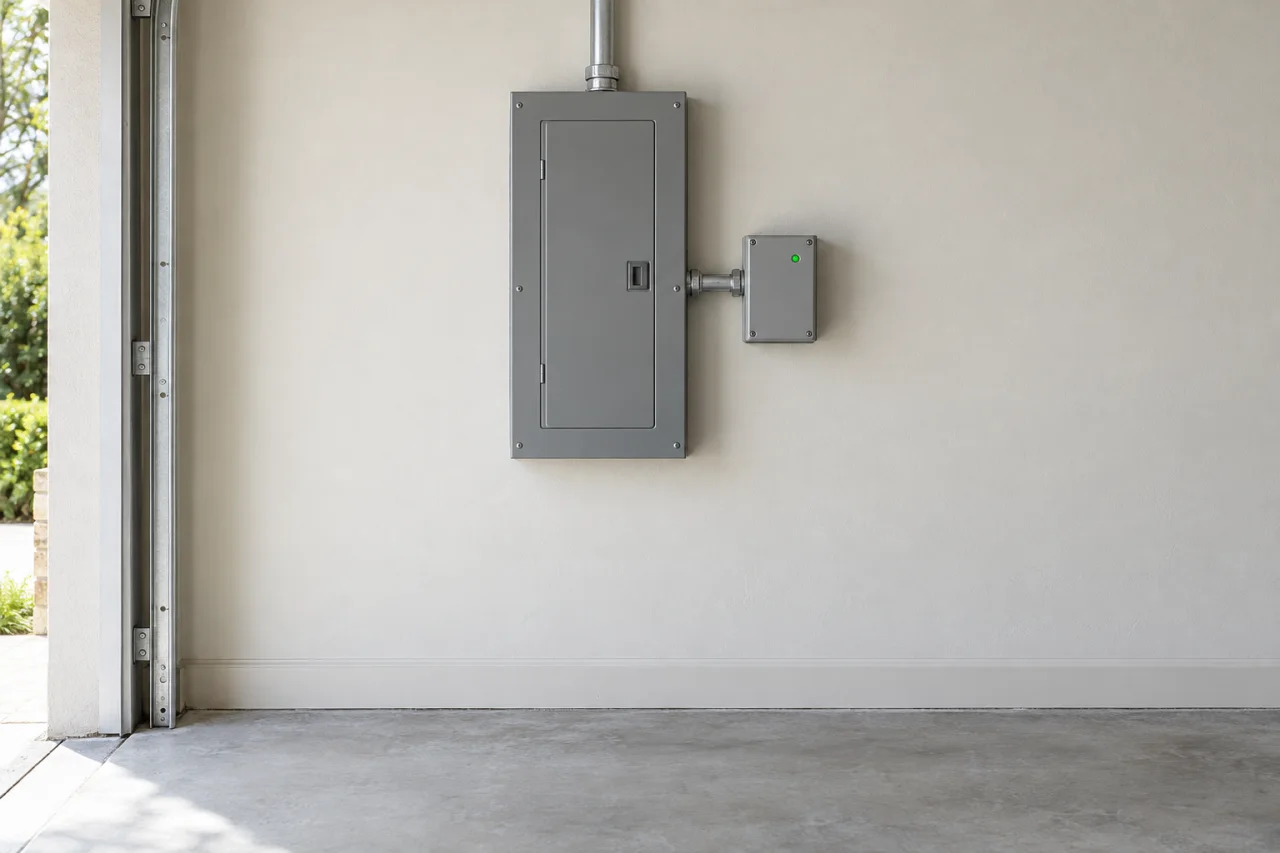
What Affects the Cost of Whole-House Surge Protection?
The device is only part of the cost. Learn how panel compatibility, mounting location, electrical configuration, related corrections and warranty terms shape a whole-house surge protection estimate.